Recover Deleted Messages App
Technoline Apps
Downloads
10,000,000+
Version
Latest
Click to download now, finish the installation quickly, and directly unlock the all-round experience
Screenshots















Click to download now, finish the installation quickly, and directly unlock the all-round experience
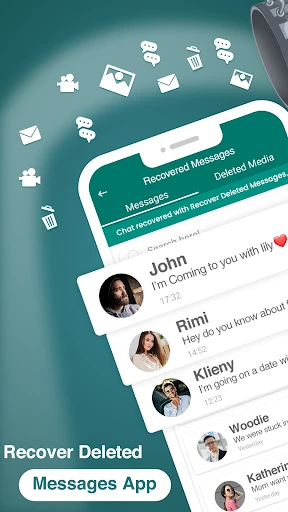
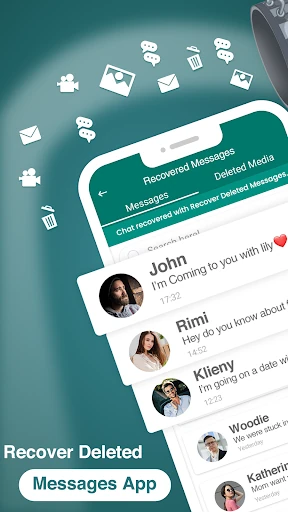
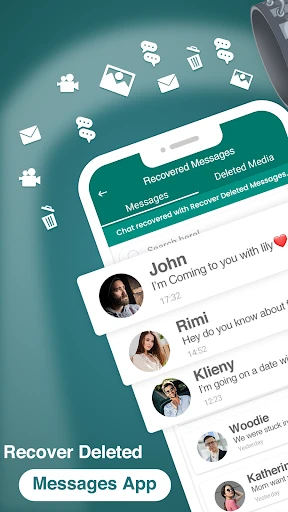
Recover Deleted Messages App is a Communication utility for people who want another way to view messages that disappear from a chat. Developed by Technoline Apps, it monitors incoming notifications and keeps a record of message content when it becomes available on the device. This makes it useful for accidental deletions, removed messages, and conversations that need to be checked later.
The app focuses on notification-based recovery rather than accessing private chats directly. When a supported message appears in an Android notification, the app can retain the text so it may remain readable after the original message is deleted. Its usefulness depends on notification access and the way each messaging service displays incoming content. Messages that never appear in a notification may not be recoverable.
Alongside text recovery, the app is intended to help users find cached photos, videos, and voice notes connected with incoming messages. It also includes tools for saving temporary status updates and backing up standard SMS conversations. These options give the app a broader role than a simple deleted-text viewer, especially for users who want to keep selected communication content in one place.
Recover Deleted Messages App has a 4.37 rating from more than 99,000 reviews and has recorded 10,000,000+ installs. It suits users looking for a practical message-recovery and backup tool, provided they understand that notification permissions, device settings, and the original messaging app can affect what is saved.