Click to download now, finish the installation quickly, and directly unlock the all-round experience
Screenshots
Click to download now, finish the installation quickly, and directly unlock the all-round experience
Contacts is a communication app for Android that combines a phone book, dialer, call history, and contact management tools. It suits users who want to find people quickly, place calls, and keep contact details organized without switching between several phone utilities. The app is developed by Phone Dialer App and has a 4.3 rating from 4,252 reviews, with more than 500,000 installs.
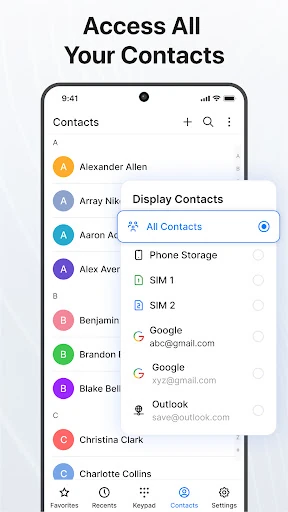
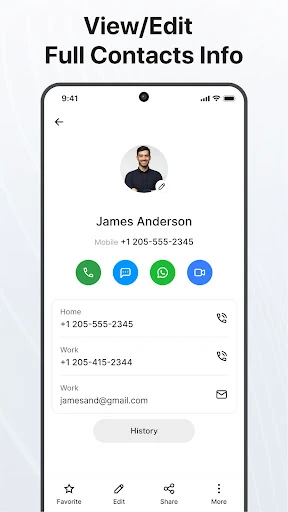
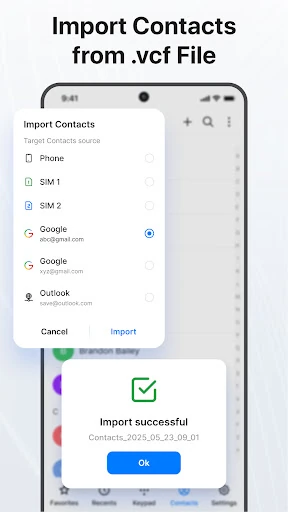
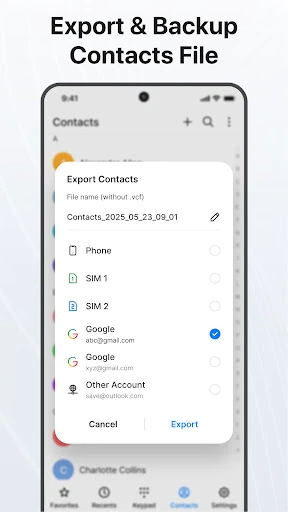
The contact list lets you search for saved numbers, open contact details, create new entries, and edit existing information. Similar contacts can be linked, while unwanted entries can be removed. You can also mark important people as favorites for faster access and transfer contact information as text or vCard files. Import and export options help move contacts between locations, and Google account synchronization provides access to Google contacts.
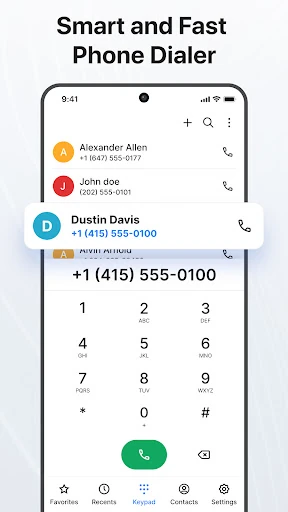
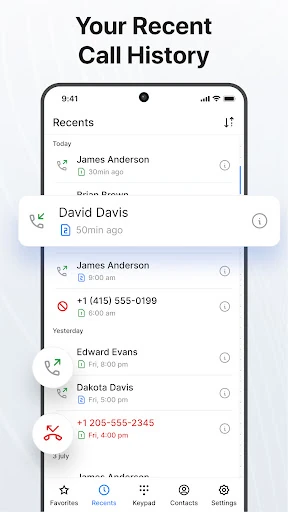
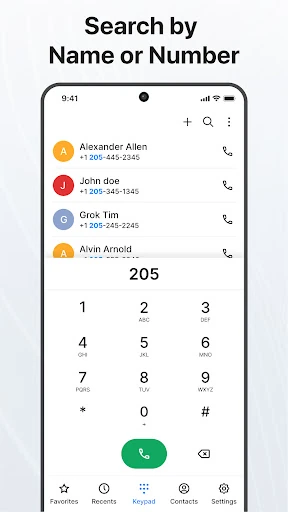
The built-in dialer includes a T9 keypad for searching names and numbers while typing. A recent-calls view keeps incoming, outgoing, and missed calls together, making it easier to return to a previous conversation. Favorite contacts and speed-dial options provide quicker access to frequently called numbers. On dual-SIM phones, the app can support choosing which SIM to use or setting a preferred SIM for calls.
Contacts includes tools for blocking unwanted or spam numbers. It can also show information for some unknown callers when caller identification data is available. During supported calls, users can manage options such as conference calling, swapping between calls, or separating a conference conversation. A dark mode changes the app’s appearance and can make the dialer more comfortable to use in low-light settings.